
Novusoft Pro EPOS
The till that keeps up on a Friday night
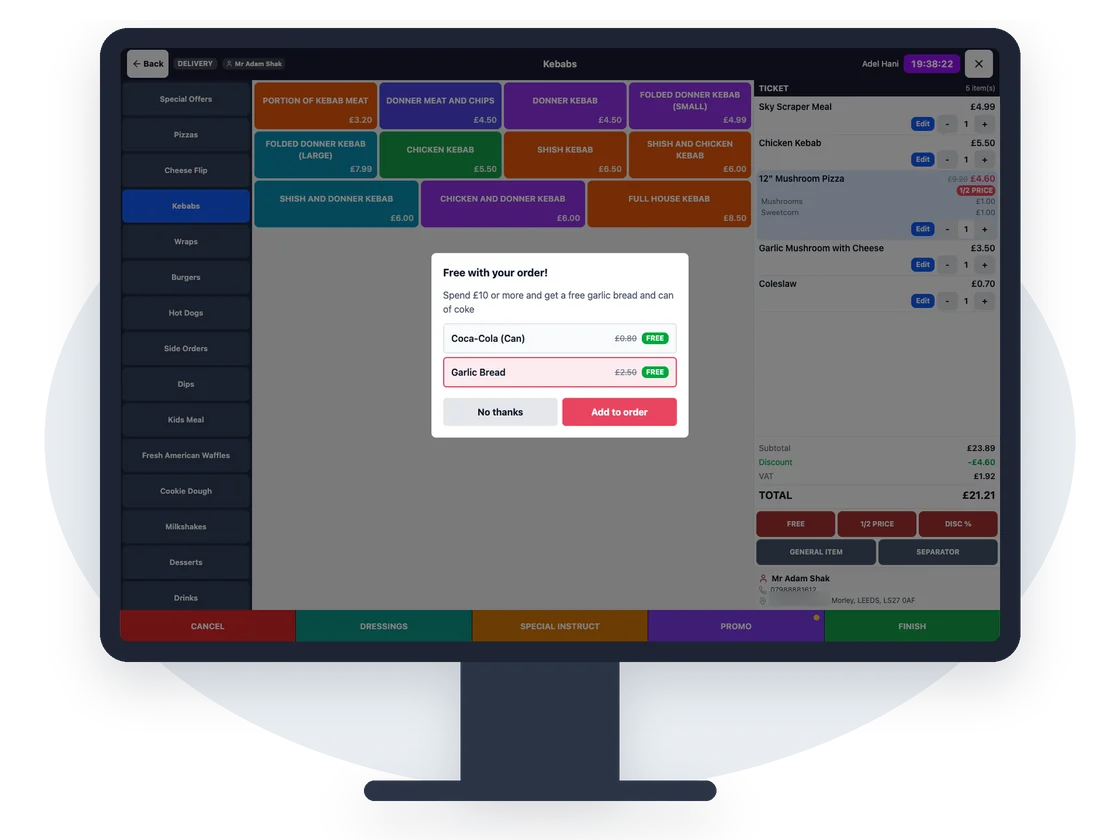
A fast touchscreen EPOS built around how takeaways actually work: phone orders, deliveries, collections and the online orders that land on top of them.
- Caller ID built in
- Keeps trading offline
- Online orders arrive on the till
- Free installation and training
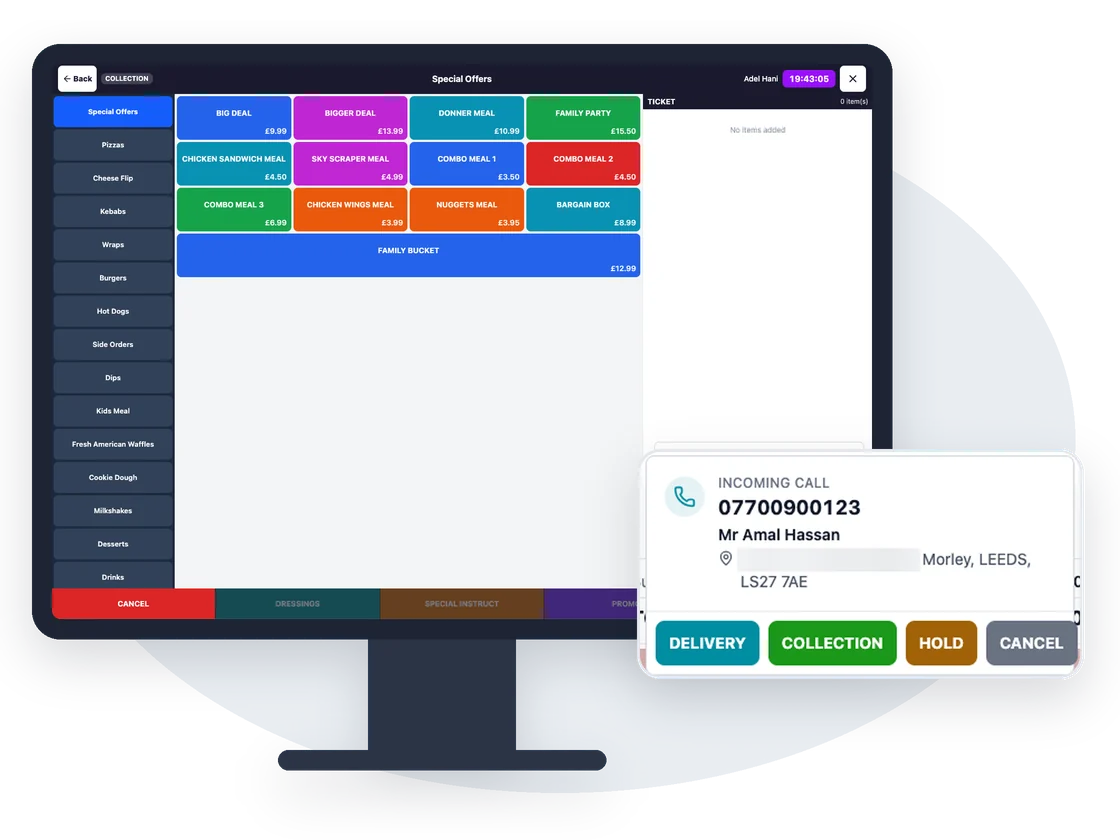
Know who's calling before you pick up
When the phone rings, the caller's name, address and order history pop up on the till. Repeat their usual order in a couple of taps.
- Works with serial and USB caller ID boxes
- Recent and held calls kept in a list
- New customers saved as you take the order
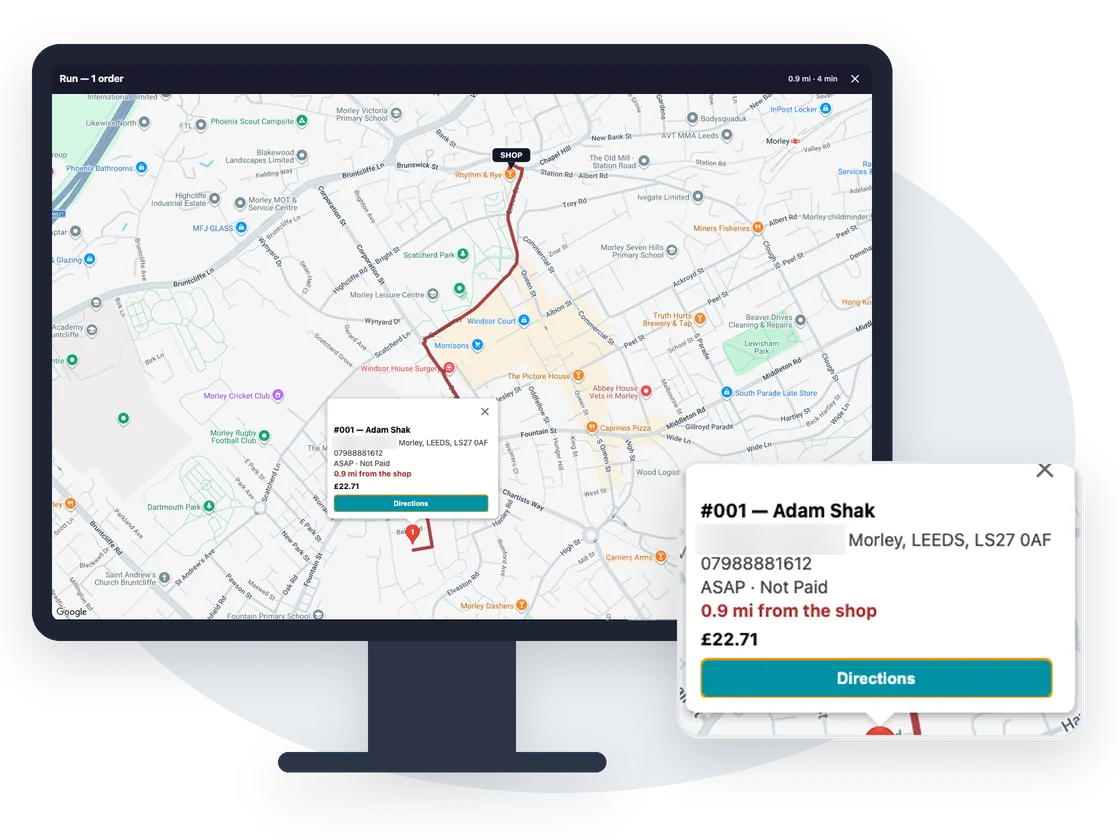
Every delivery, every driver, one screen
Look up an address by postcode, see it on the map, assign a driver and settle up with them at the end of the night.
- Postcode address lookup
- Delivery map and driver assignment
- Driver payments and a driver analysis report
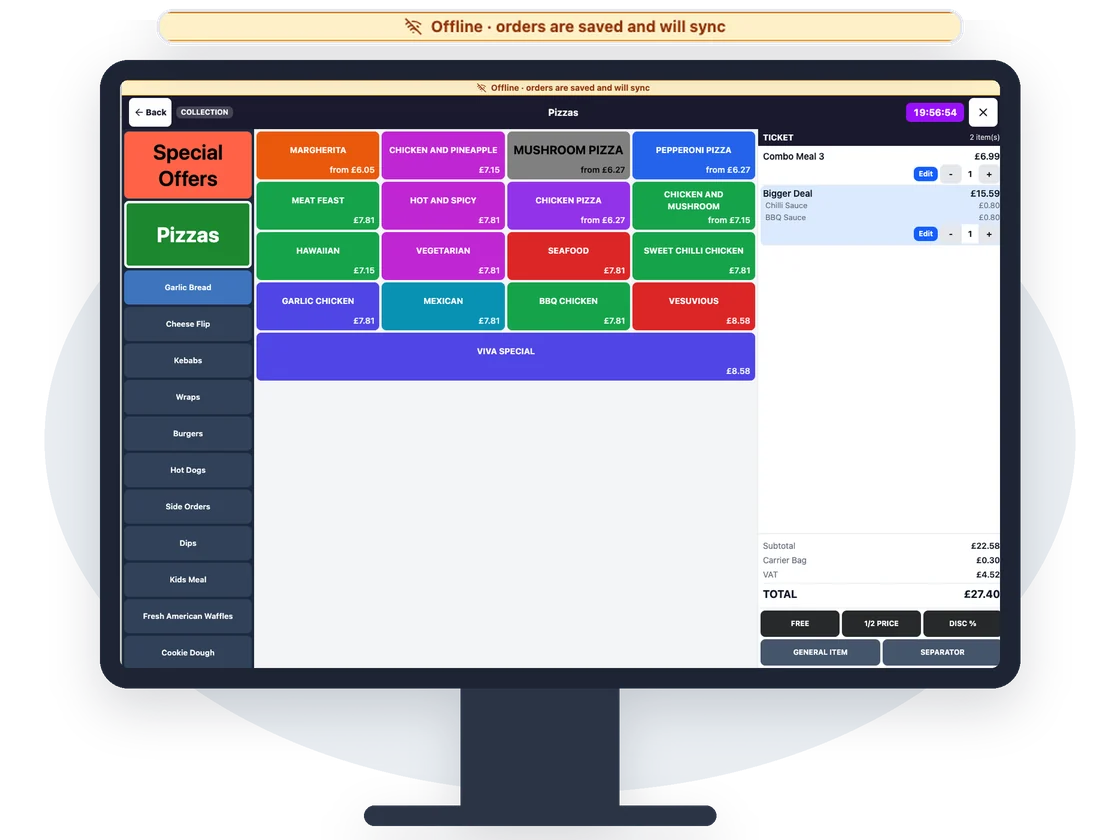
Internet down? Keep taking orders
The till carries on taking and printing orders when the connection drops, then syncs everything when it comes back. No lost orders, no paper pads.
Everything else in the EPOS
Kitchen printing that routes itself
Each item prints at the right station (pizza, grill, bar) on receipt and kitchen printers.
Integrated card payments
Send the amount straight to the card terminal. Cash, split bills, discounts and promo codes too.
Split bills and held orders
Split by item or amount, hold an order and come back to it, add a service charge.
Staff PINs and permissions
Each person signs in with a PIN, and you choose who can refund, discount or open the drawer.
Clock-in and timesheets
Staff clock in and out on the till; hours flow into timesheets.
Customer display
A second screen shows customers their order and total as you build it.
Web and app orders on the till
Orders from your website, apps, kiosk, Deliveroo and Uber Eats appear on the till with an alert.
English and Arabic
Switch the till language, and print kitchen tickets in the language your kitchen reads.
Payment links by SMS
Text a customer a secure link to pay for a phone order before it leaves the shop.
Questions we get asked
What hardware does the EPOS run on?
Novusoft Pro EPOS runs on a Windows touchscreen till. We can supply a complete bundle (touchscreen, receipt printer, cash drawer and caller ID box) or set it up on suitable hardware you already own.
Does it work with my card terminal?
Card payments go straight from the till to an integrated card terminal, so staff never re-key the amount. Talk to us about the terminal you use today and we'll tell you how it fits.
What happens if the internet goes down?
The till keeps taking, printing and settling orders offline and syncs them when the connection comes back. Online orders resume as soon as you are back online.
Can I see my sales when I'm not in the shop?
Yes. Everything the till does shows up in the Novusoft Manager app and the web dashboard: live orders, takings, sales and VAT reports.
Works better together
Every Novusoft Pro product shares one menu, one set of customers and one set of reports.
See Novusoft Pro working in your shop
Book a free, no-obligation demo. We'll show you the till, your online ordering and the manager app, using your own menu.