
Novusoft Pro QR Ordering
Scan, order, pay. From the table.
Put a QR code on every table. Guests order from their own phone and the order reaches the kitchen tagged with their table number. There's no app to download.
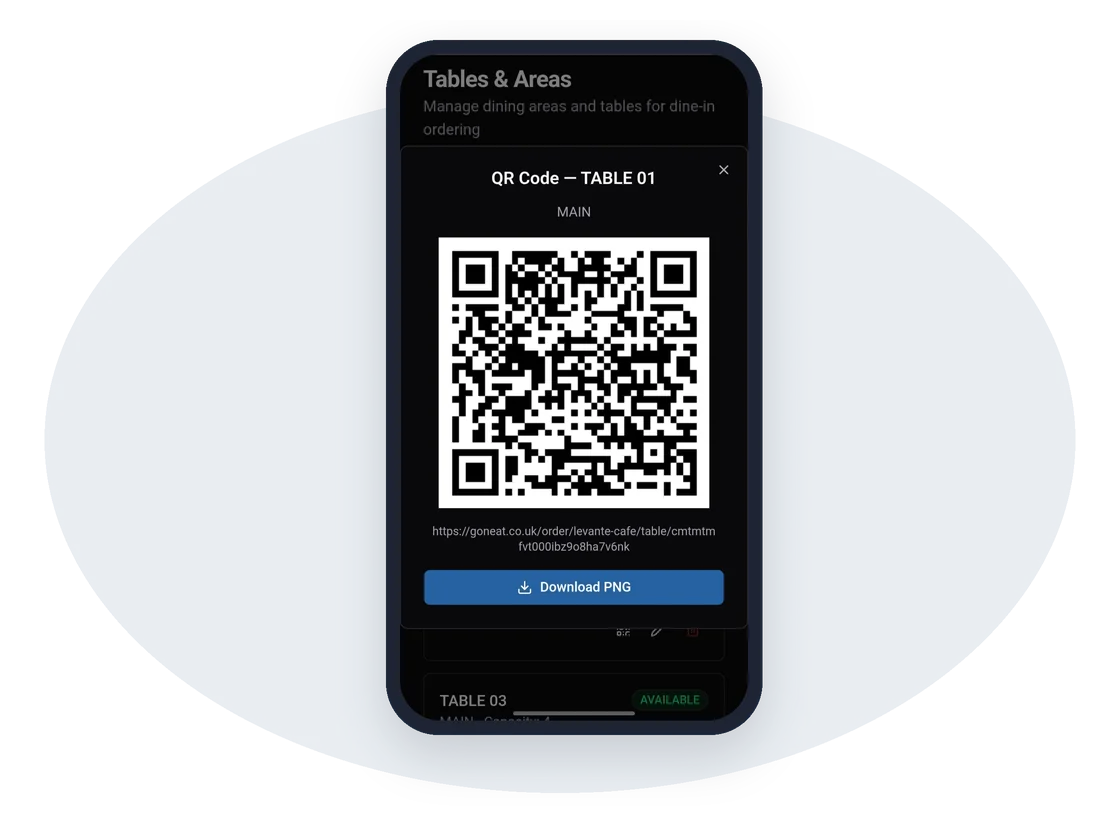
- No app to download
- Orders tagged with the table
- Card, Apple Pay and Google Pay
- Same menu as your till
Fewer trips to the table
Guests order a second round, or dessert, whenever they're ready, so your team can focus on bringing food and looking after people.
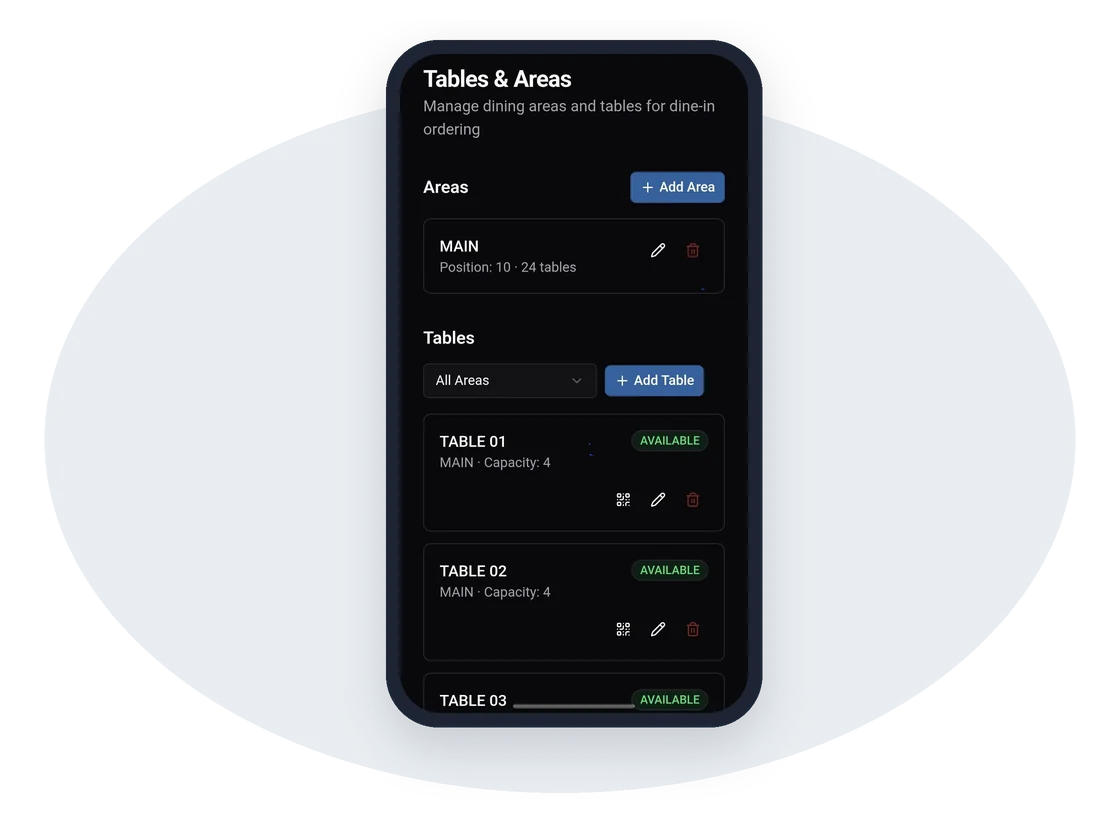
- Each table has its own QR code
- Orders print with the table number
- Works with your table plan on the tablet
Everything else in the QR Table Ordering
A code for every table
Print and place them, and you are ready.
Pay at the table
Card, Apple Pay and Google Pay.
Offers apply automatically
Your promotions work on table orders too.
Straight to the kitchen
Kitchen tickets print as soon as a guest orders.
One menu everywhere
Sold out on the till means sold out at the table.
In every report
Table orders appear alongside everything else.
Questions we get asked
Do guests need to download an app?
No. The QR code opens your ordering site in the phone's browser, already set to their table.
Can guests still order from staff?
Of course. QR ordering sits alongside your tablet and counter tills, so guests can order whichever way they prefer.
Works better together
Every Novusoft Pro product shares one menu, one set of customers and one set of reports.
See Novusoft Pro working in your shop
Book a free, no-obligation demo. We'll show you the till, your online ordering and the manager app, using your own menu.